Motivation
Long periods of focused computer work made it easy for me to forget to blink regularly or take proper distance breaks. I built EyeProtector as a practical tool for my own daily routine: a lightweight Windows application that makes healthy screen habits harder to ignore without constantly demanding attention.
EyeProtector is a reminder tool, not a medical device or a substitute for professional eye care.
How it works
The application runs quietly in the Windows system tray and provides two kinds of reminders:
- Brief configurable screen flashes that prompt the user to blink
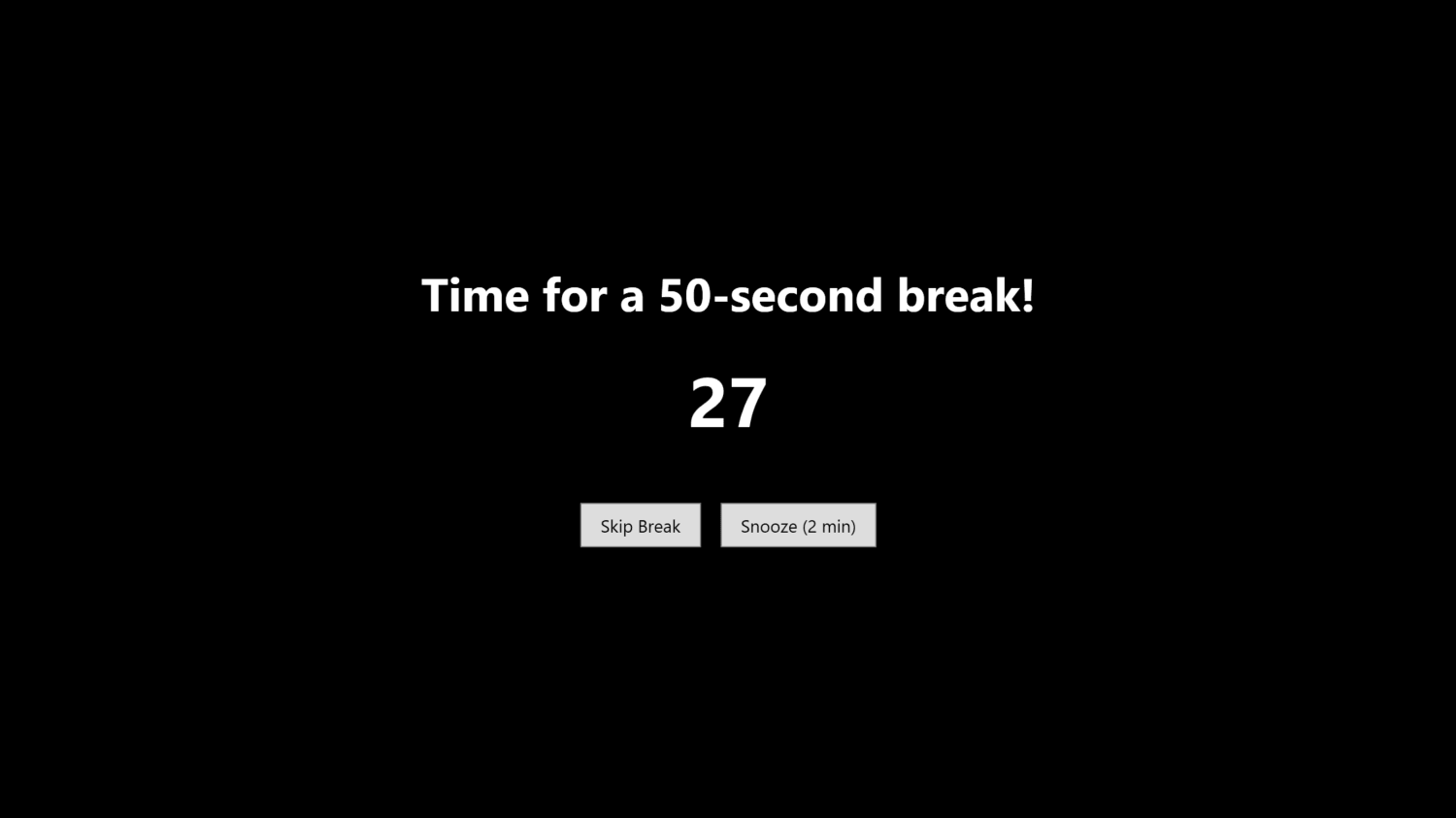
- Full-screen timed overlays for regular distance breaks based on the 20-20-20 rule
Intervals, durations, and colors are configurable. Breaks can optionally be skipped or snoozed, and the overlay can cover multiple monitors. The application can start with Windows and persists its settings between sessions.
Implementation
I built EyeProtector as an open-source C# application using WPF and .NET. The application separates timer management, settings persistence, tray integration, and overlay behavior into dedicated components. Preferences are stored locally as JSON, and single-instance handling prevents multiple reminder processes from running at once.
Developing it required working with Windows-specific behavior such as system tray controls, multi-monitor geometry, full-screen overlays, application startup, and reliable cleanup when the application exits.
Result
The result is a small, configurable utility that I can leave running in the background during ordinary computer work. Building it was also an exercise in turning a personal health-related problem into a complete, distributable desktop application rather than leaving it as a one-off script.